


 Feedback / HelpFeedback / Help
 Image
 Upload an image or drop it herePNG or JPG, up to 20 MB
Kuxuan AI Image Editor supports background replacement, background removal, object removal, text editing, AI inpainting and image enhancement for product photos, content images and personal photos. With AI agents, Skills and remote computers, it can also run custom workflows for more complex image needs.
「Remove the background and export a transparent PNG」
「Remove the date watermark in the bottom-right corner」
「Remove the passerby on the left」
「Change 199 to 159」
「Change his shirt to a white one」
「Extend a portrait image into a landscape one」
「Make this old photo clear」
「Naturally brighten skin tone while keeping skin texture」
For complex needs that standard editing tools cannot handle, Kuxuan AI agents analyze the task, call on Skills and use remote computers to run custom workflows, completing more difficult and personalized image editing tasks.
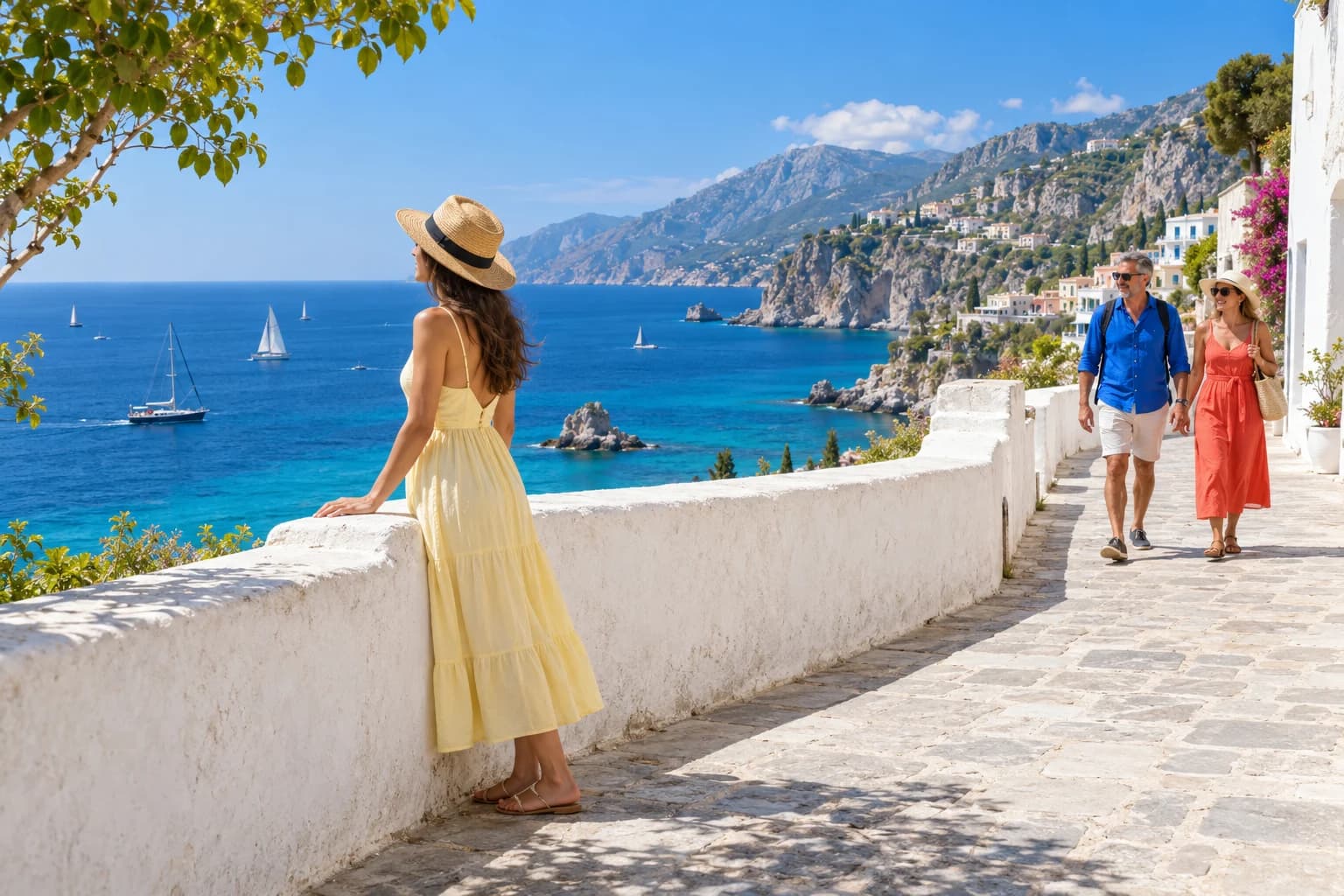
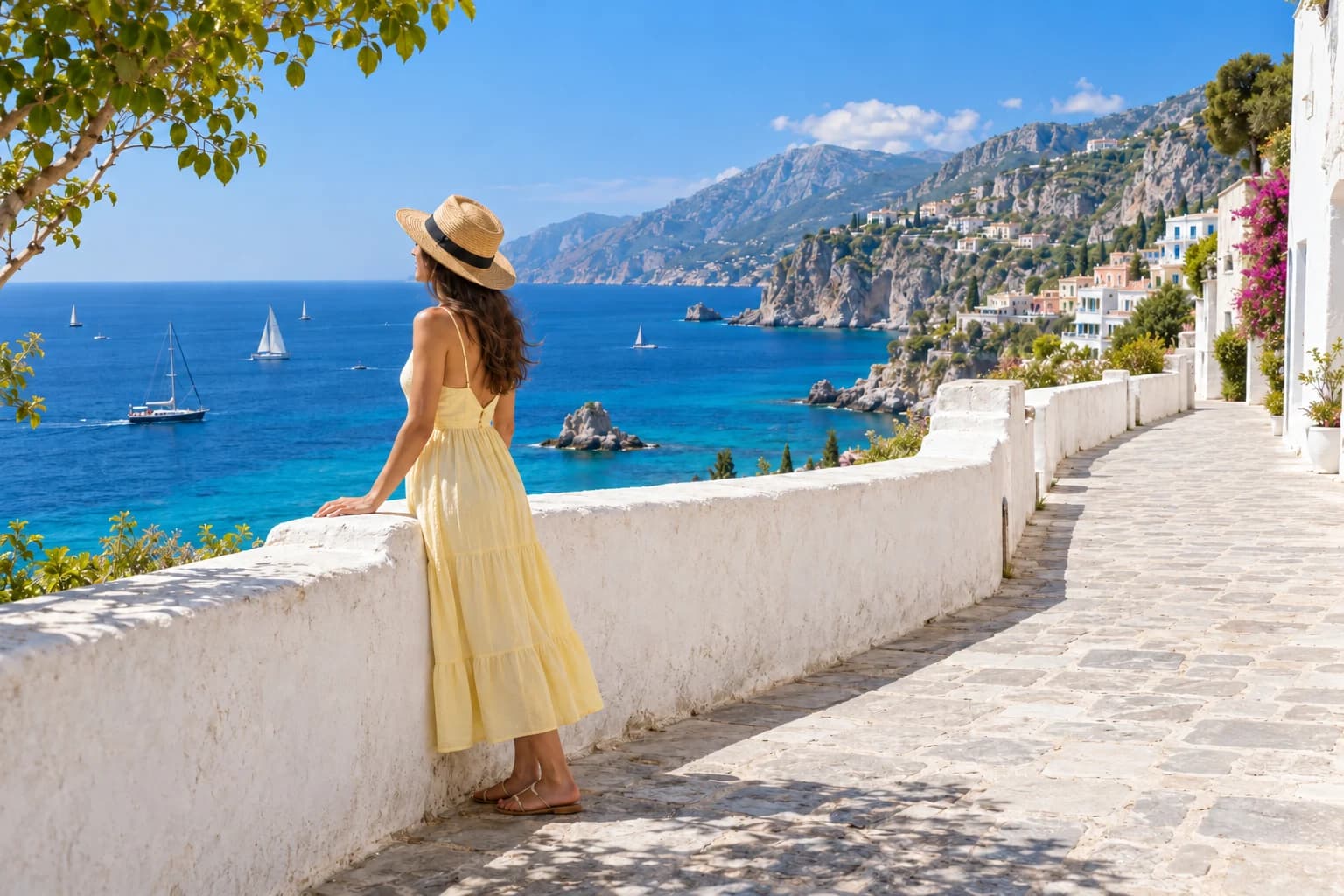
Remove passersby from the background and fill in the surrounding scenery.
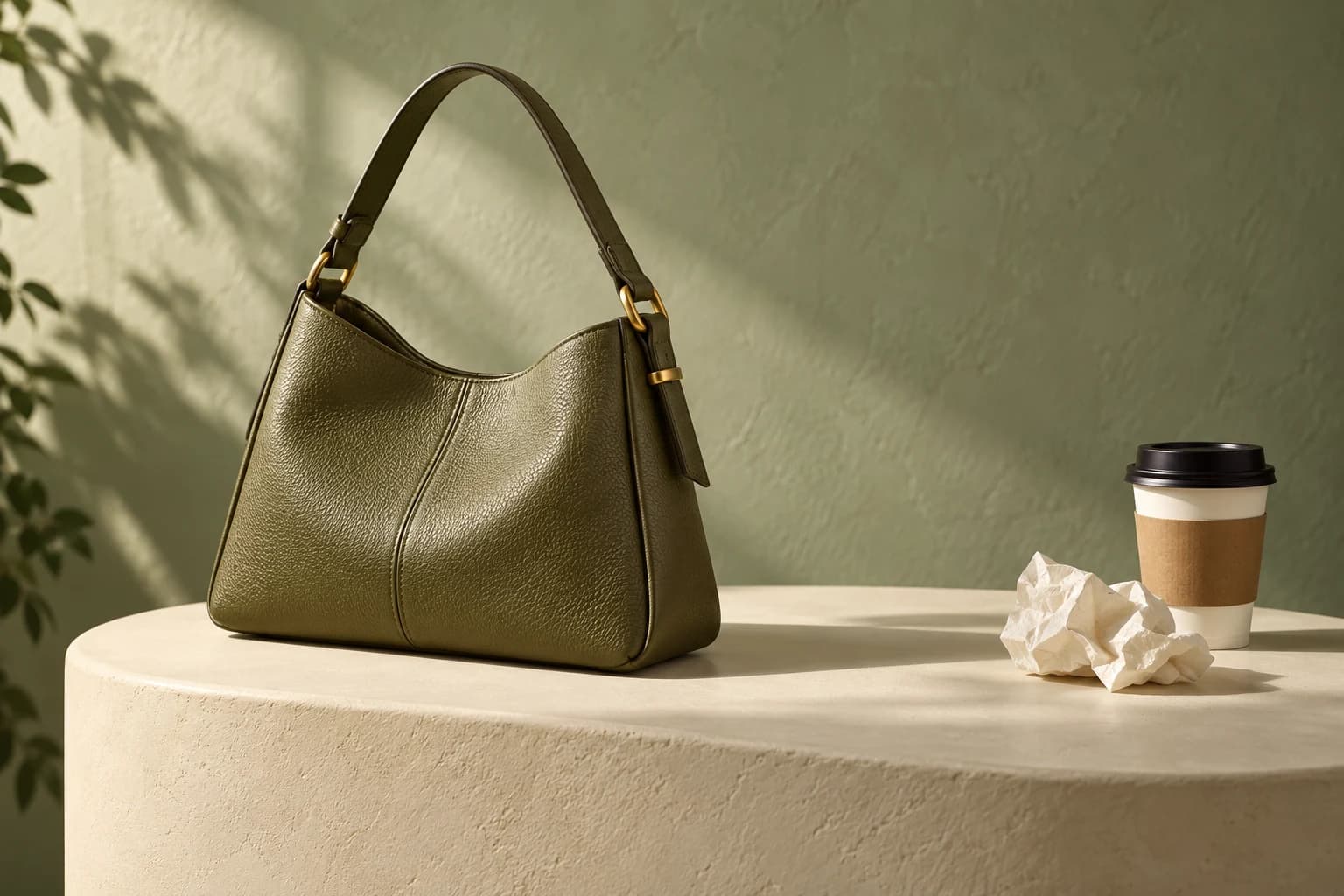
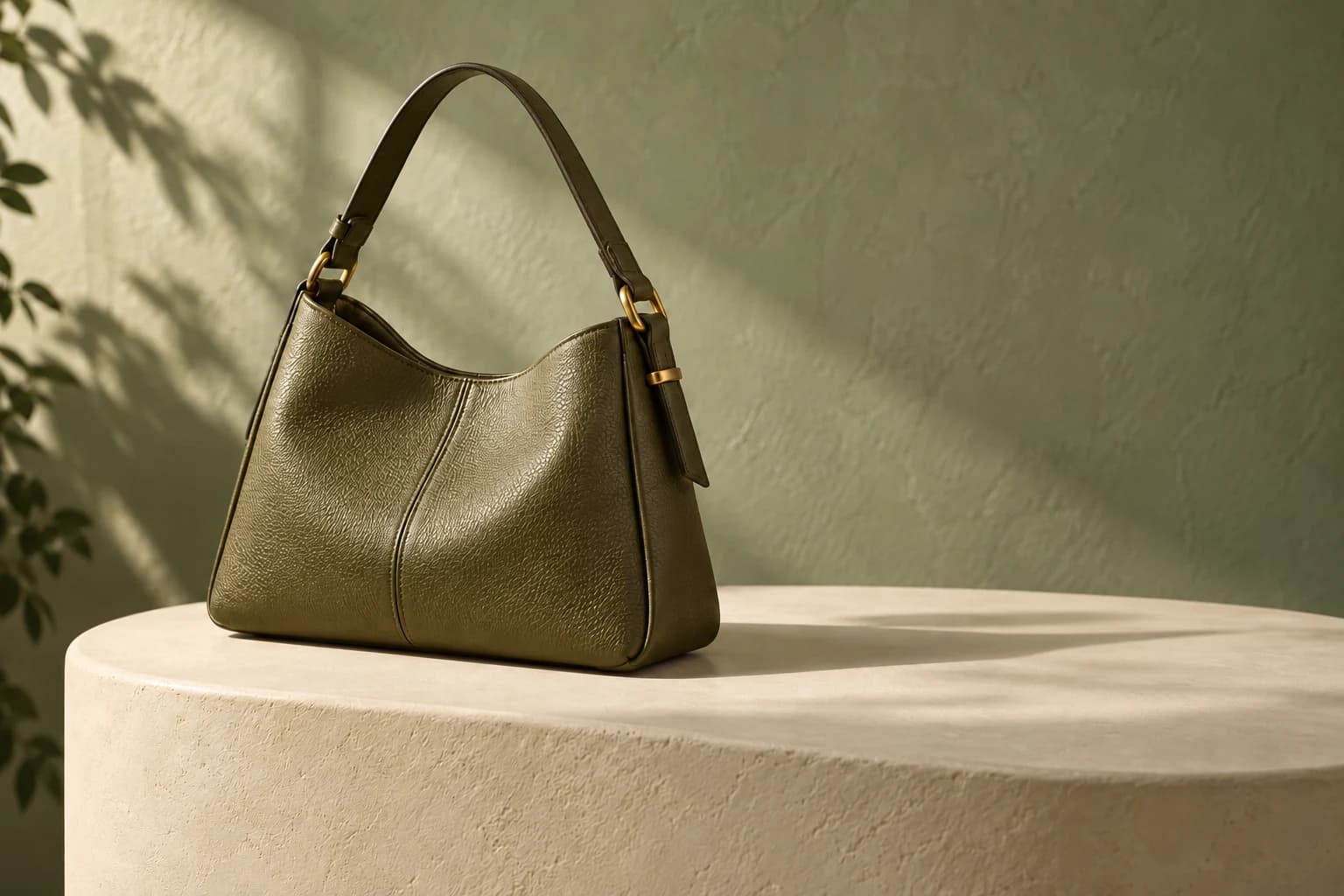
Clear cups, tissues and other clutter around the product to highlight it.
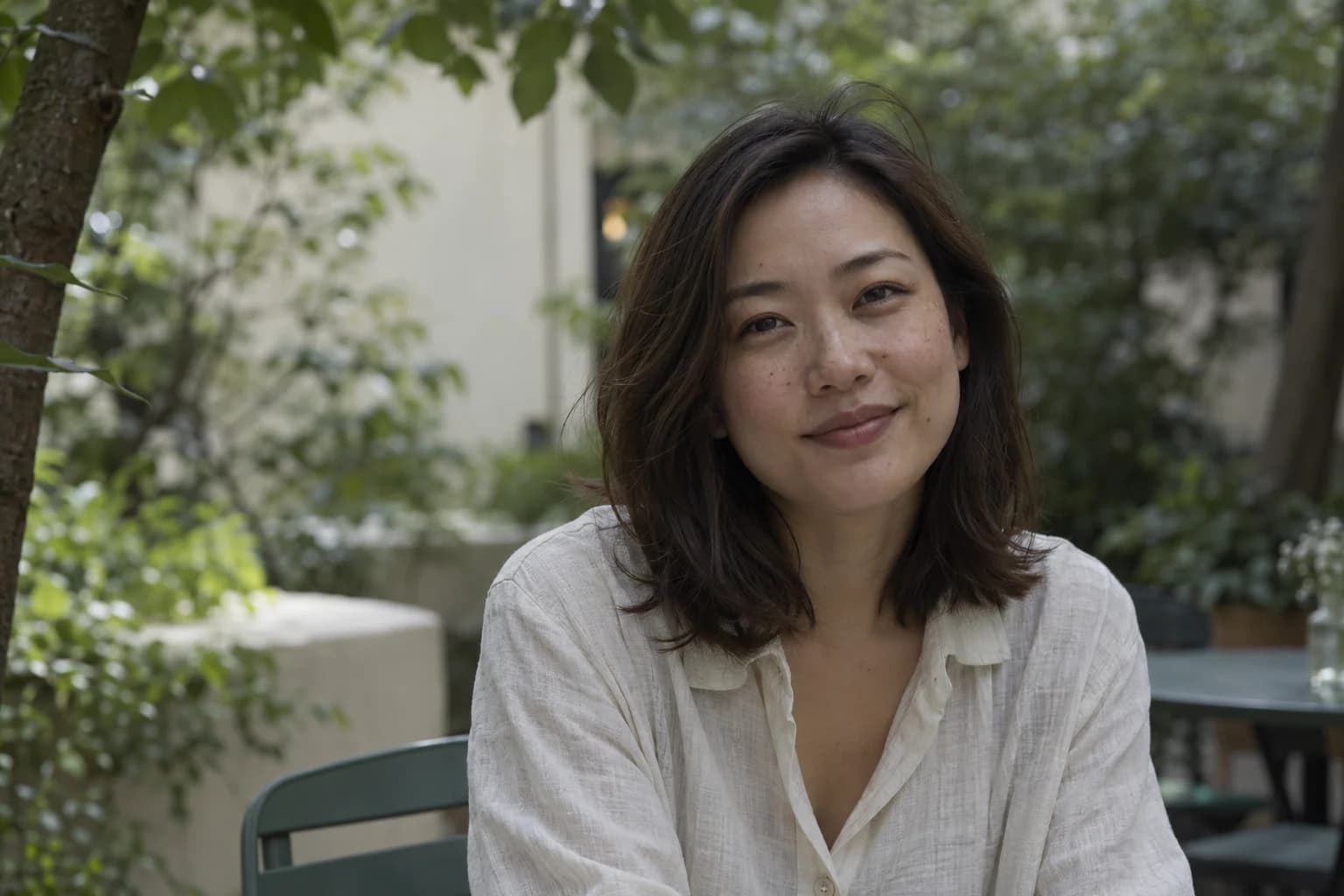
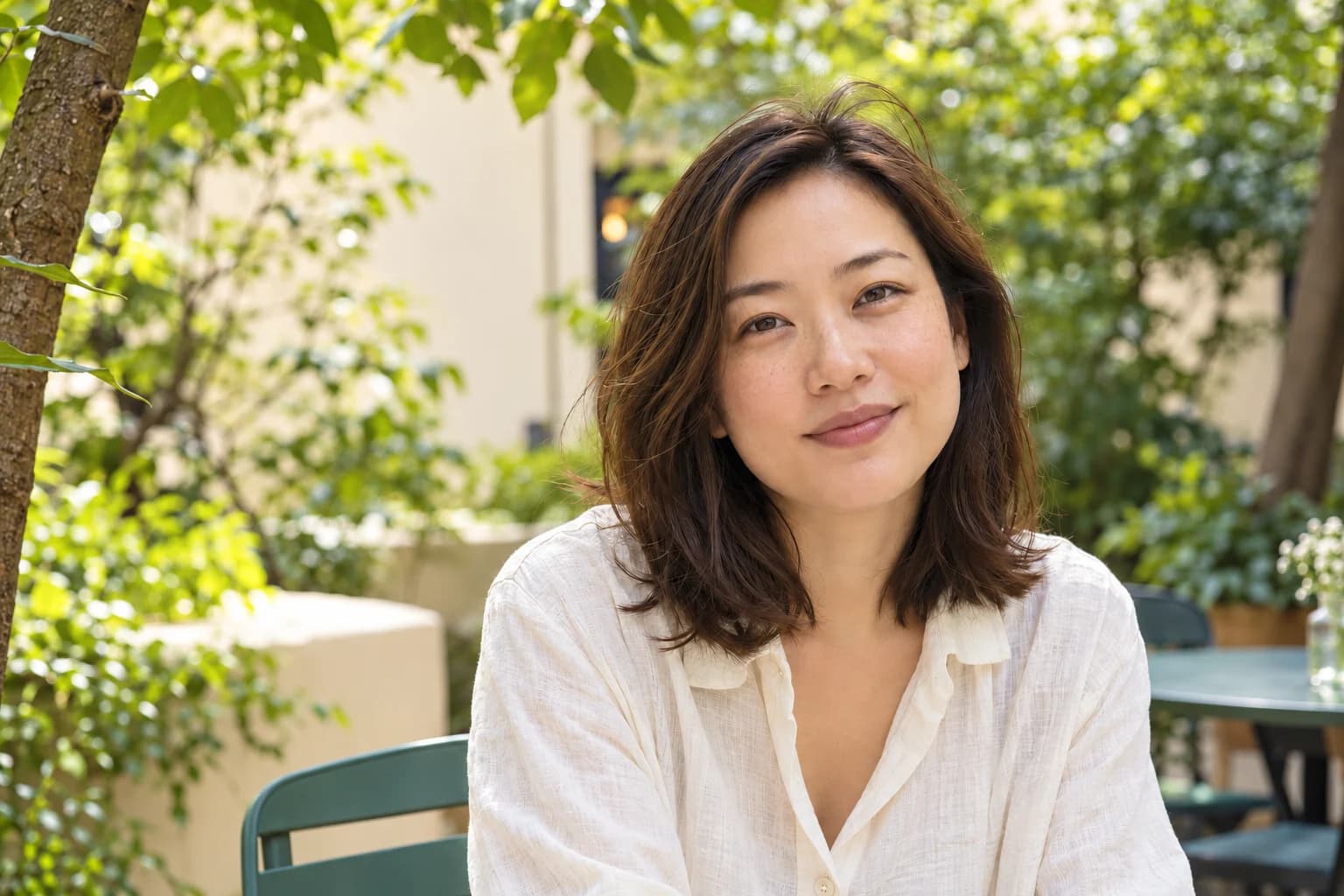
Brighten skin tone and soften small blemishes while preserving facial features and skin texture as much as possible.
From swapping product backgrounds and removing passersby to editing text on posters, Kuxuan AI handles common editing tasks. Pick the matching tool to start and cut down on tedious manual editing.
Background removal, erasing, text editing, image extension and enhancement are all in one workspace. Edited images can be edited further, so multiple changes to one image flow together and you avoid repeated exporting and uploading.
Mark several spots on the image and enter separate requests for outfit changes, object swaps or background adjustments. Submit multiple inpainting requests at once so each spot and request stay clearly matched.
Use the AI Image Editor in any desktop or mobile browser, no download or install needed. New users receive credits on sign-up to try background removal, text editing, AI inpainting and other image editing features for free.
Supports PNG and JPG, up to 20 MB per image.
Pick a tool above the image such as background removal, erase or text editing, or describe your request in the input box. For "Local edit", first mark the spot and enter your request, then click "Start editing".
Check the result and download the image once confirmed; you can keep editing if adjustments are needed.
Swap product backgrounds, clean up clutter, and edit prices and promo text.
Edit text in WeChat and Xiaohongshu (RedNote) images, and adjust aspect ratios with image extension.
Remove passersby from group photos, improve blurry photos, and change ID photo backgrounds.
New users receive credits on sign-up to try Image editor for free, and more credits are given every week. With free use, generated images carry a Kuxuan badge in the bottom-right corner.
Supports PNG and JPG, up to 20 MB per image.
No. Open the website and use it in any desktop or mobile browser.
Choose "Local edit", click the spot on the image you want to adjust and enter your request. Check the result after generation and add more requests if needed.
Yes. Upload the image, choose "Edit text", let it detect the text, then enter the replacement. This suits poster copy, product prices and event details; after generation, zoom in to check the text and layout.
Yes. You do not need layers, masks, or complex Photoshop tools. Upload your image and describe the change in plain English—such as "replace the background with clean white," "remove the person behind me," or "update the price on this poster"—then preview and refine in follow-up messages.
It works well for ecommerce product shots, portraits, and marketing graphics. You can remove or swap backgrounds, erase unwanted objects, edit text inside posters, retouch portraits naturally, and sharpen blurry photos in one browser workspace.
You can iterate step by step in the same workspace. For the sharpest results, start from a clear original photo and ask for one or two focused changes per turn. If you need extra crispness before downloading, you can also run AI image enhancement on the final image.