AI Image Generator
Create images from text or references with GPT Image 2.6 or Nano Banana 2.1. Refine your images in the same conversation, then download them.
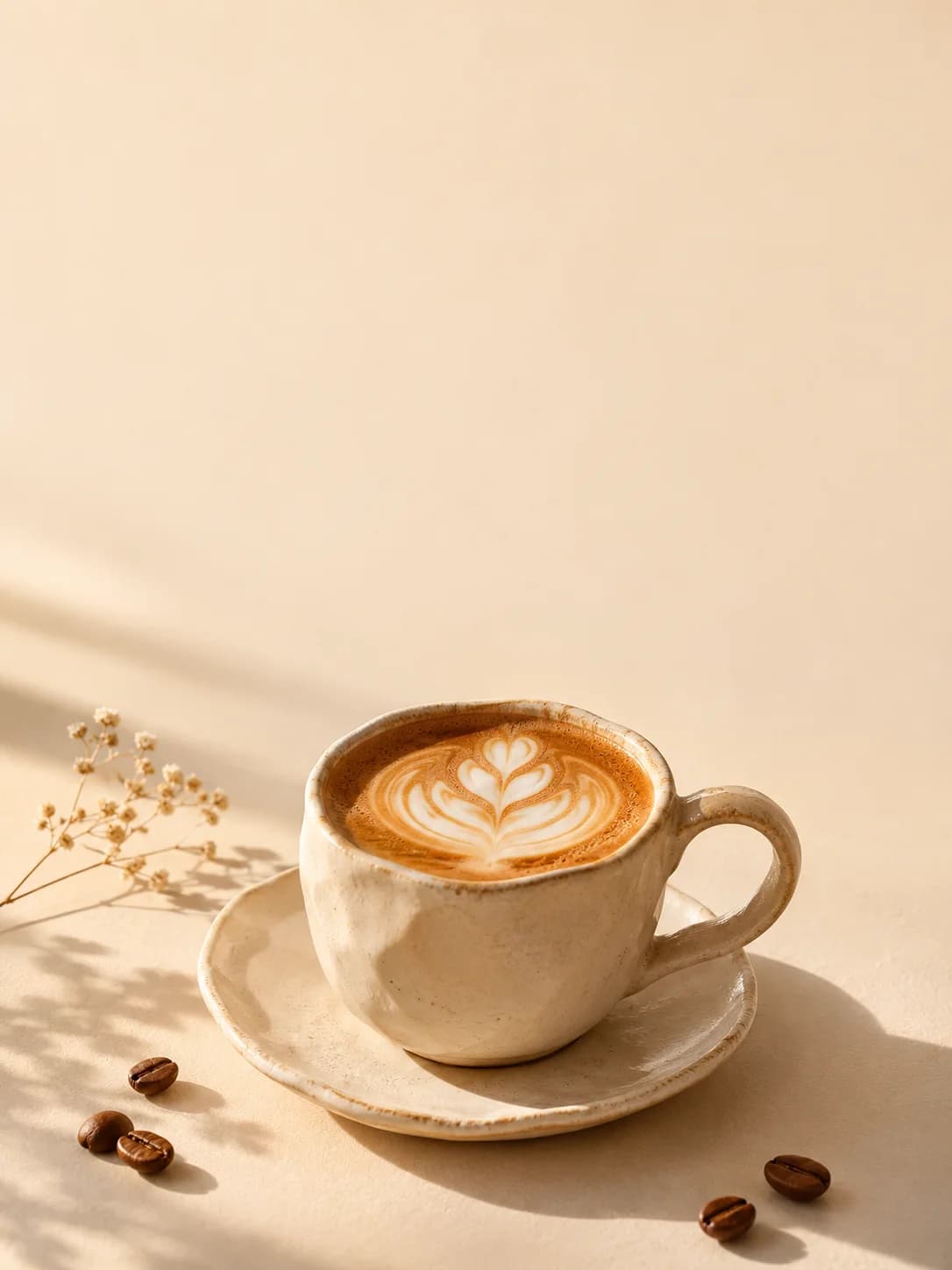
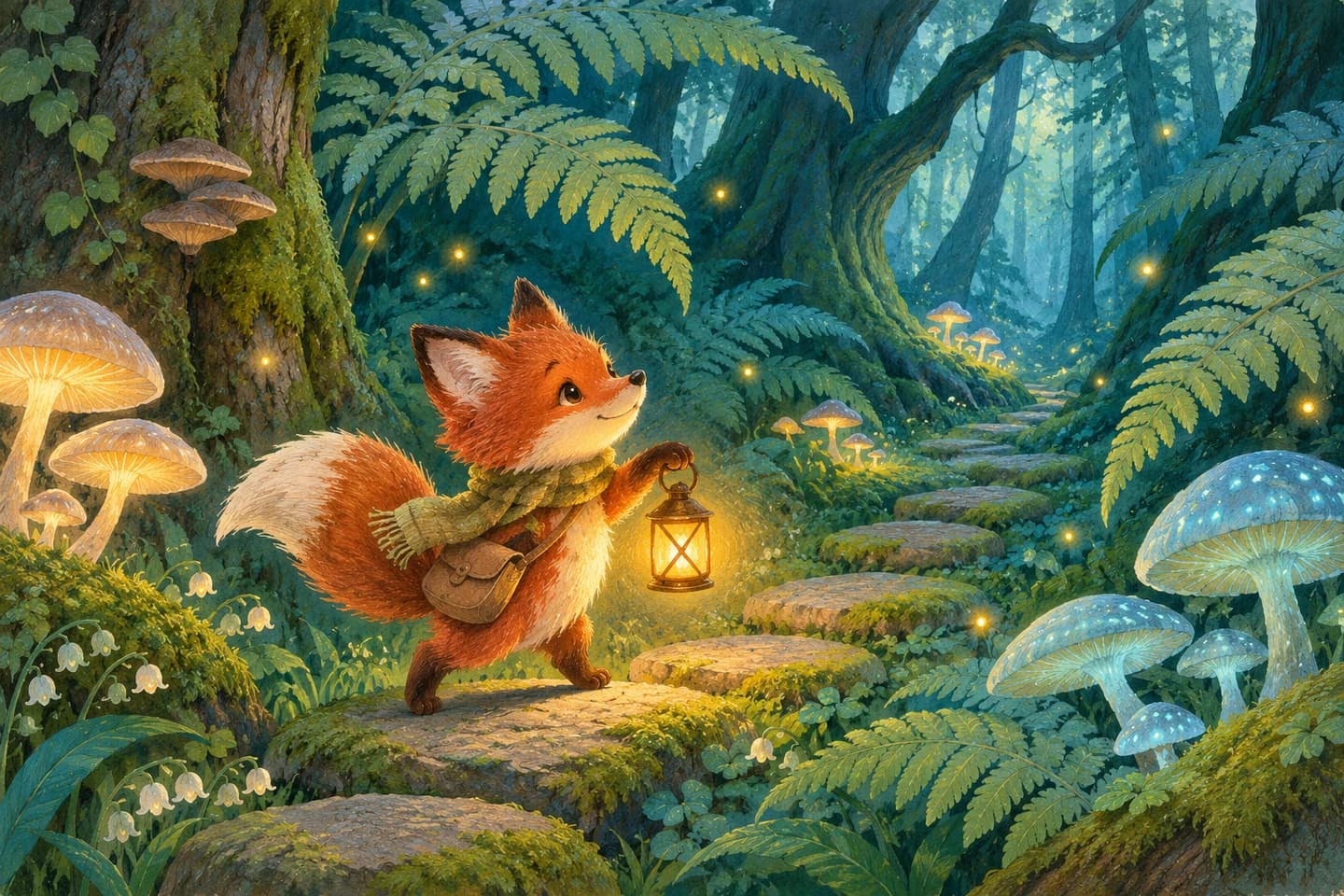
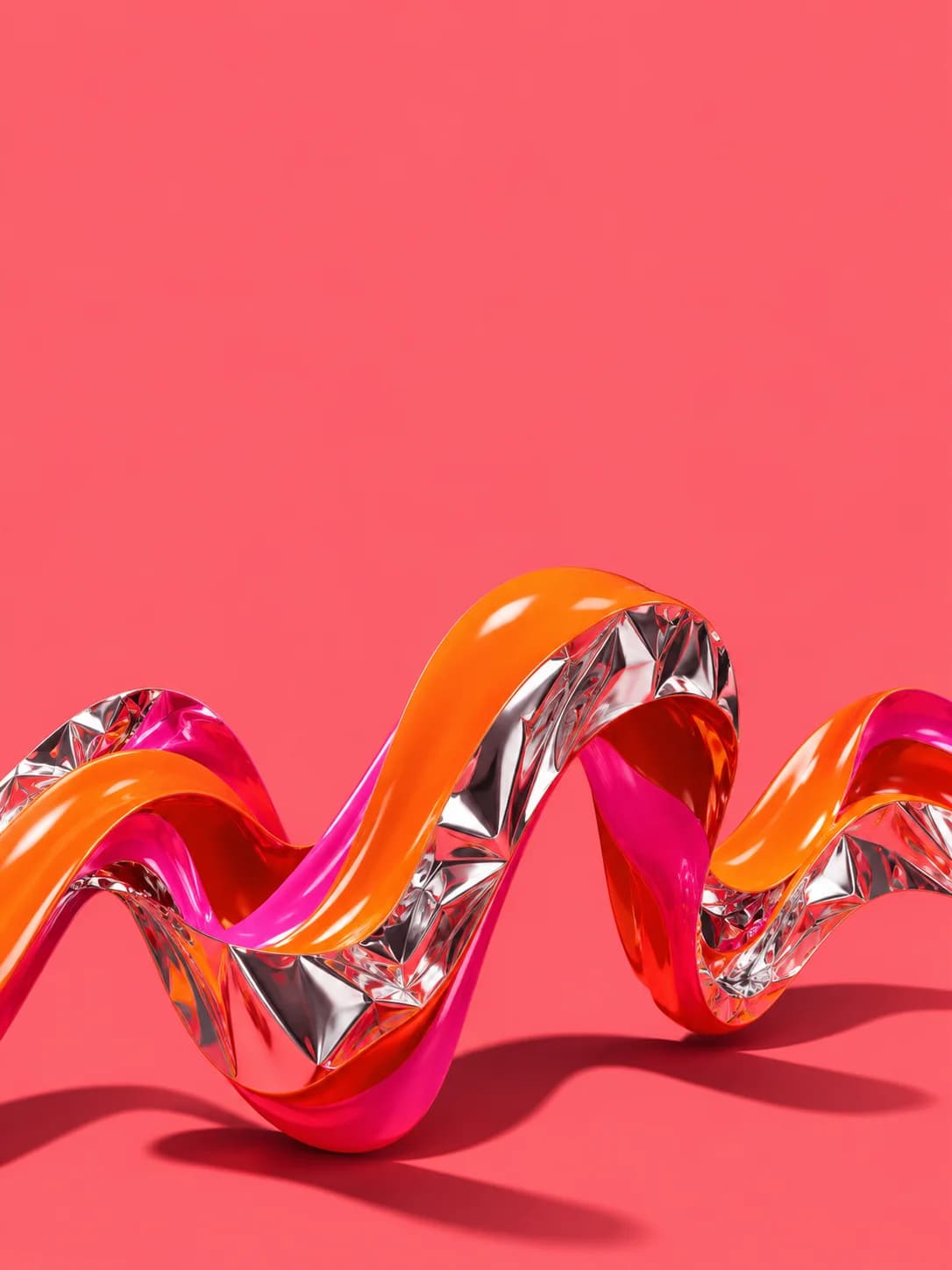
AI art generator examples
How to generate images with GPT Image or Nano Banana
GPT Image text to image: describe your idea
Choose an image model in the composer, then describe the subject, setting, style, lighting and aspect ratio. You can also start from a photography or illustration example.
Image to image: add a reference
You can also upload a product photo or style reference. Explain which details, colors and composition to keep while creating a new image.
Edit and download your AI image
Refine the background, colors or details in the same conversation. Preview the full image and download it when you are happy with the result.
AI image generator FAQs
Can I generate an image from text alone?
Yes. Describe the subject, setting, style and lighting. Adding a reference image is optional.
Can I edit an image using a reference?
Yes. Upload a product image, photo or style reference and explain what to keep and what to change. Check important details in the result.
Is the AI image generator free?
Generation and editing use credits. Your available balance and entitlements depend on your current account and plan; sign in to check them.
Which files can I download?
Download the image files provided in the workspace, preview them and request further changes. This page does not promise PSD or layered vector files.
How do I switch between GPT Image 2.6 and Nano Banana?
Select the model name at the bottom of the composer to switch between GPT Image 2.6 and Nano Banana 2.1. Then submit your text or reference image.