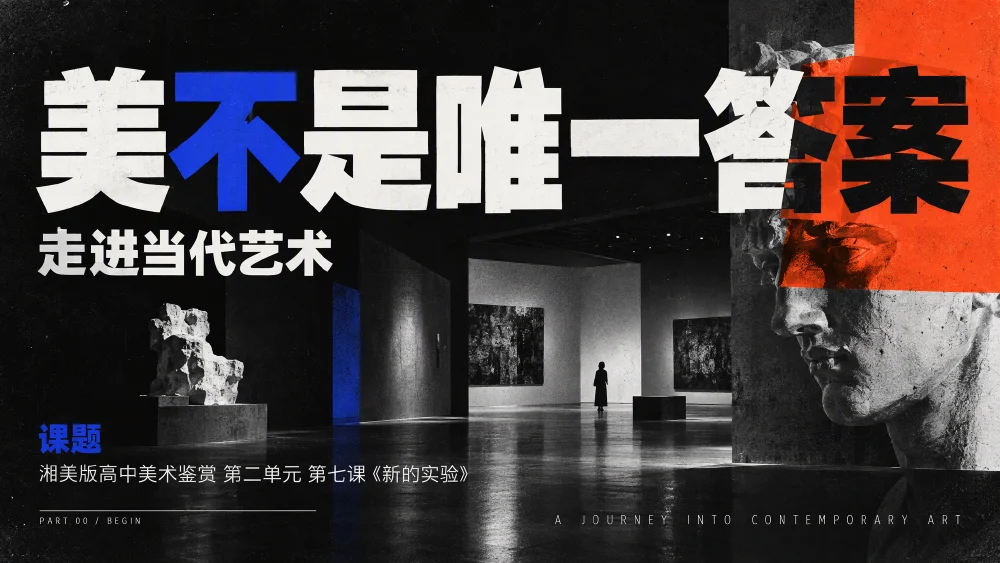
Teaching slides · 24 slides
Editable PPT is now live
One sentence, or one document, and your whole slide deck is done.
Work reports, defenses, courseware - outline, layout and images all handled together.
Describe what you want to present, or upload Word or PDF files. Tell the AI who the audience is and what to focus on.
From outlining to layout and images, your content becomes slide after slide.
Keep chatting to make changes, or adjust elements directly in editable mode. When done, export to PPTX or PDF.
More possibilities after generation
Change the title, adjust font size, drag images to a new position.
Make every detail closer to your expression.
Edit categories and values directly, and the chart updates.
After exporting PPTX, native charts can still be edited.
"Make the title on page 3 shorter."
Select a specific element and continue refining with AI editing.
Made with Kuxuan AI · image-based case
Auto-flip through a full set.
Hover to pause, swipe left or right on mobile.
Teaching slides · 24 slides

Thesis defense · 11 slides

Product intro · 9 slides

Training slides · 10 slides

Teaching slides · 8 slides

Business plan · 10 slides
Save time for what you want to say
About AI PPT
Yes. Choose "Editable PPT" before generating, and you can edit text, font size, colors, image positions and native chart data online, and add, duplicate, delete or reorder slides. Text inside images such as illustrations does not automatically become separate text boxes.
Yes. PPTX files exported in editable mode keep text, images and native charts as separate objects, so you can continue editing in PowerPoint or WPS; you can also export to PDF. Different software and local fonts may affect how it displays, so check once before delivering.
Image format suits cases where the overall visual effect matters most: each slide is a complete image, and you make changes by telling the AI. Editable PPT suits reports, defenses and lesson slides that need repeated text and data edits and further work. Both can be downloaded as PPTX and PDF, but pages exported in image format cannot have text and charts edited individually.
Yes. Upload Word, PDF, Excel and other files, or paste text directly, then explain the purpose and key points. Kuxuan AI will extract the content and organize it into a presentation. For key data and citations, check against the original materials after generating.
You can try it for free, but you need to sign up or log in first. New users get credits on sign-up for presentation generation; you can fill in the topic and choose a format on this page, then log in after clicking start.
You can create work reports, annual reviews, thesis defenses, teaching slides, training slides, company introductions and business plans. Describe the audience, slide count, key points and preferred style, and the result will better fit your purpose.
Yes. In the chat, specify the slide number and what to change, for example "make the title on slide 3 shorter." Editable mode also lets you select a specific element and use "AI edit" for more targeted changes.