AI Word Formatter Online document formatting
Upload a Word or PDF file, or paste your text. Use AI to organize headings, paragraphs, tables and images, then edit and export to Word or PDF.
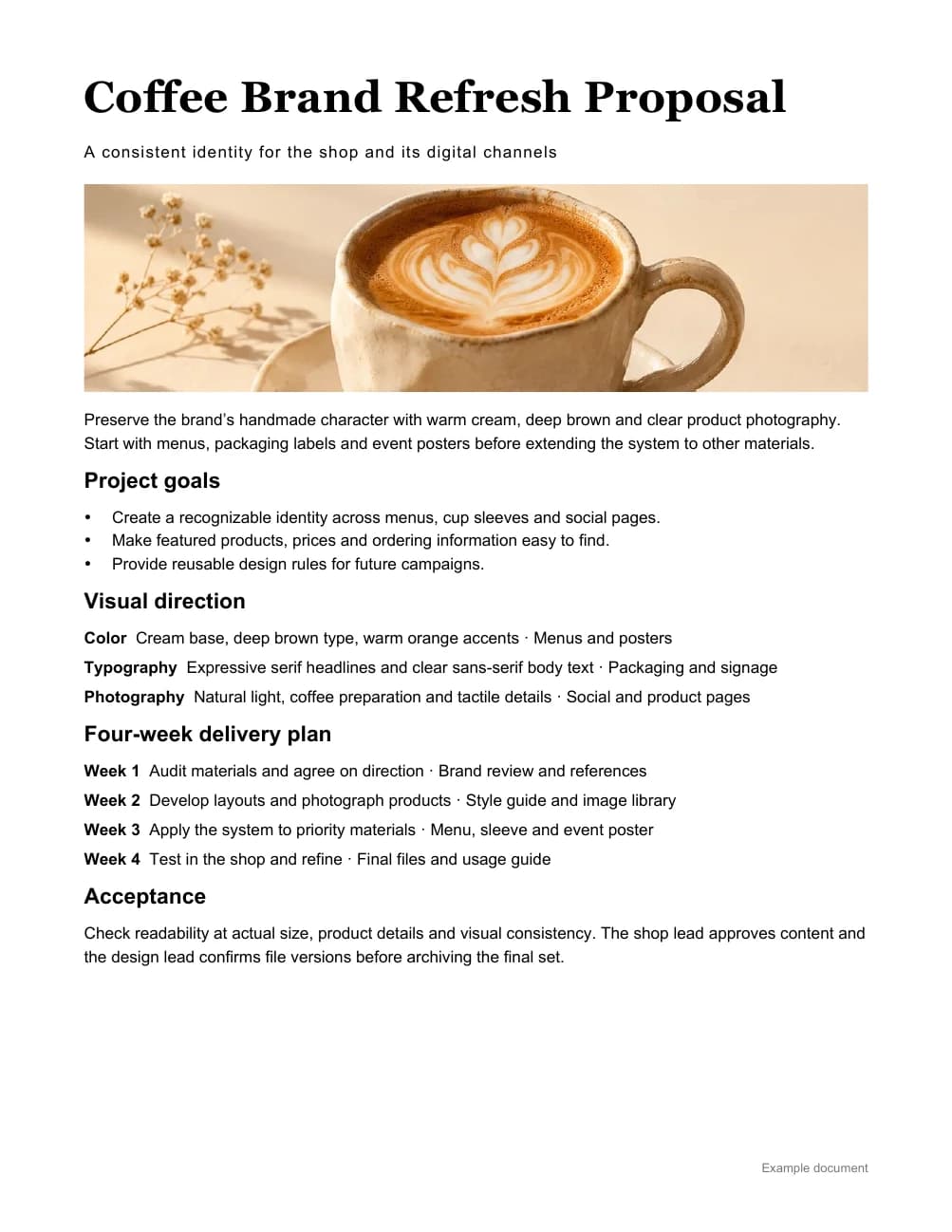
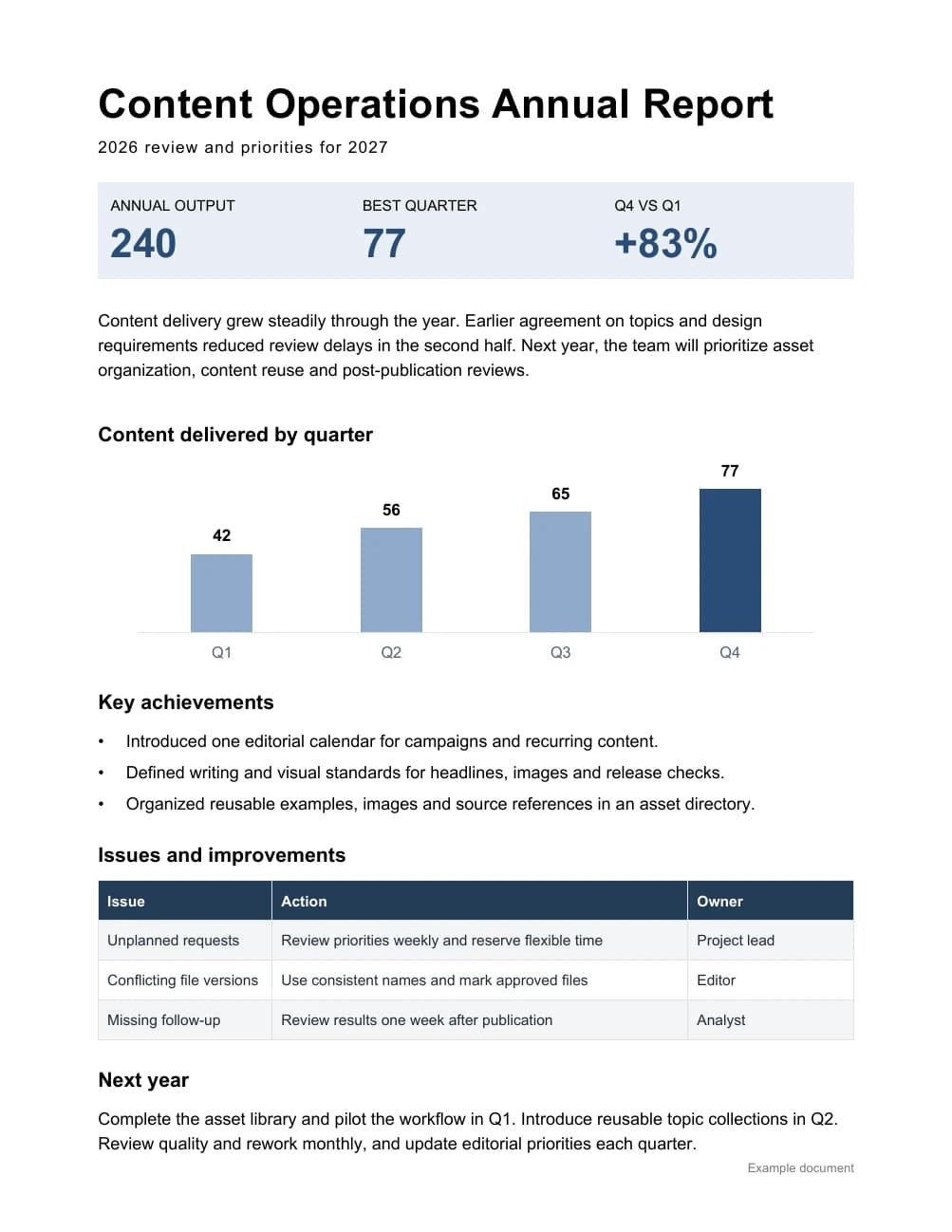
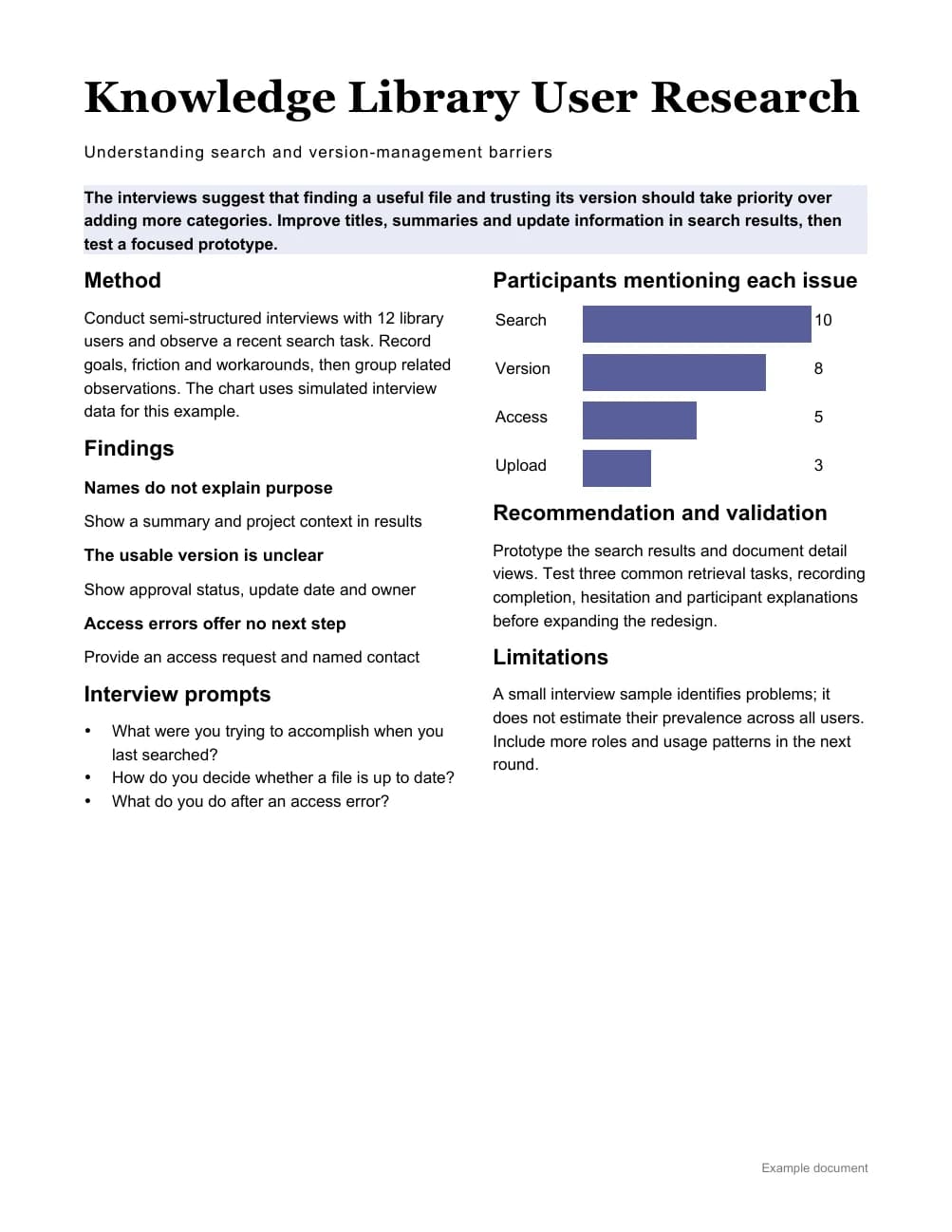
How to format a Word document online
- 01
Add your Word document
Paste text or upload Word or PDF source material. Explain the purpose and what must be retained.
- 02
Format and refine with AI
Check the content and structure. Adjust headings, paragraphs and images through chat or the editor.
- 03
Export to Word or PDF
Download Word or PDF and check pagination, fonts and tables before sharing or printing.
Word formatting questions
Can I upload an existing Word file?
Yes. Upload Word or PDF source material, or paste text. The content is reformatted to your requirements; complex original layouts are not guaranteed to be preserved.
Can I edit the exported document?
Yes. Continue editing the Word file in Microsoft Word or WPS. Fonts, tables and page breaks can vary between applications, so check the export before delivery.
How is this different from WeChat formatting?
Word formatting is intended for reports, proposals and downloadable documents. WeChat formatting prepares articles for publication in a WeChat Official Account.
Can I try it for free?
New accounts receive trial credits. Generation uses credits, and export access follows the current plan and the options shown in your account.