Word to PDF Converter
Upload a DOCX file to convert Word to PDF online. Preview page breaks, tables and images before downloading. Continue in the same conversation if the content or layout needs adjustments.
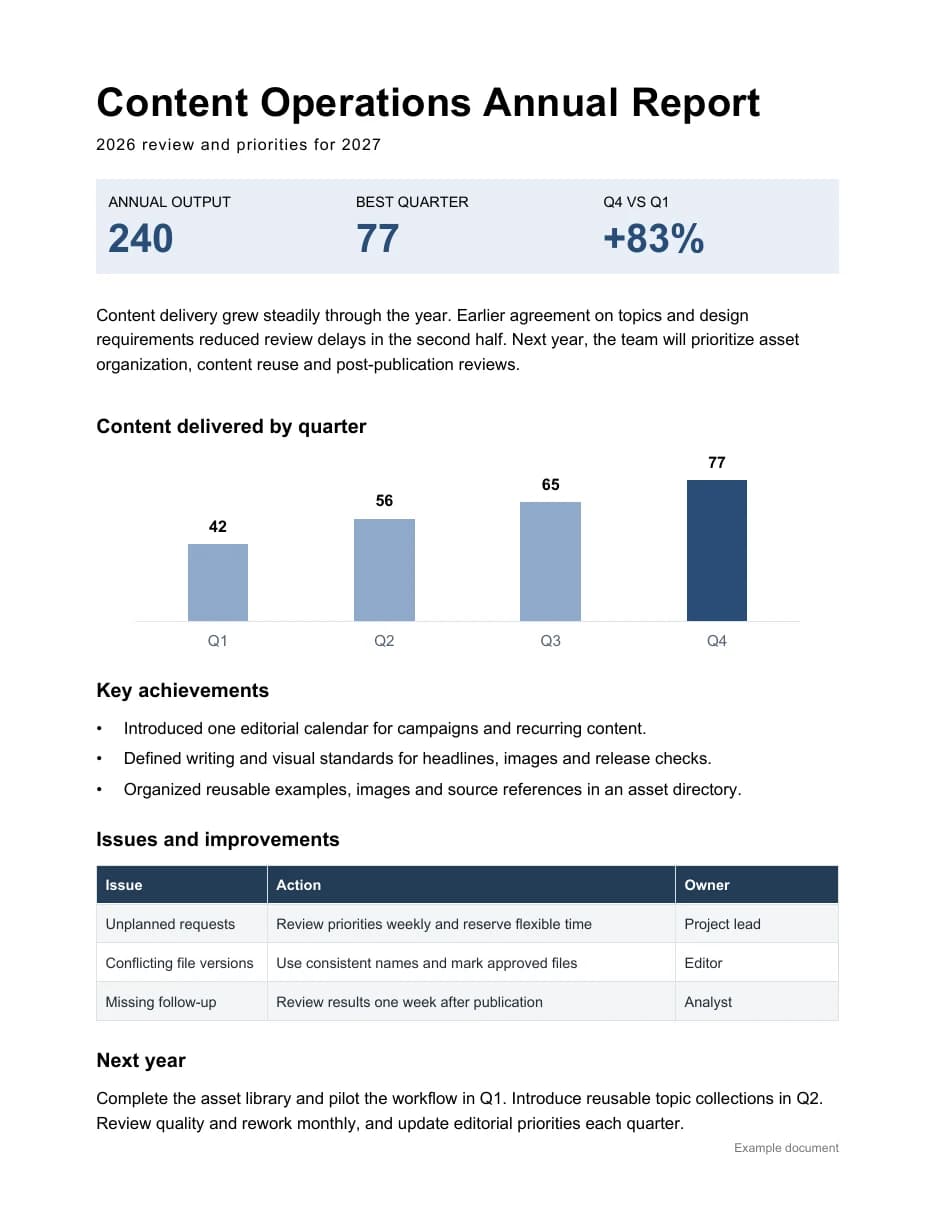
Check pagination, fonts and tables
Reports and proposals to PDF
Turn editable DOCX documents into PDFs for reading and sharing. Review headings, paragraphs and page numbers.
Documents with tables and images
Check table breaks, repeating headers and image placement. Preview the result and inspect important pages before downloading.
Font and pagination checks
Missing fonts may be substituted, changing line wraps or page breaks. Request an available font and reconvert when needed.
How to convert Word to PDF online
Upload your source
Add the source file you want to convert.
Convert in a conversation
Click convert to have AI process the file in a conversation. Add layout requirements first if needed.
Review and download
Preview the result and check its content. Continue in the conversation to adjust it.
Word to PDF FAQ
Do you accept DOC or DOCX?
This page accepts .docx files. Save legacy .doc files as .docx in Word or WPS first. Remove password protection before uploading encrypted documents.
Will the layout stay exactly the same?
Exact preservation is not guaranteed for every document. Missing fonts, complex floating objects and special fields can affect pagination. Review the PDF and request adjustments if needed.
Can I convert without entering instructions?
Yes. Upload a DOCX and start. Uploading requires sign-in and is subject to available account storage and upload limits. Conversion usage follows the current account and task information. Document attachments may total up to 50MB per message, within your available account storage.