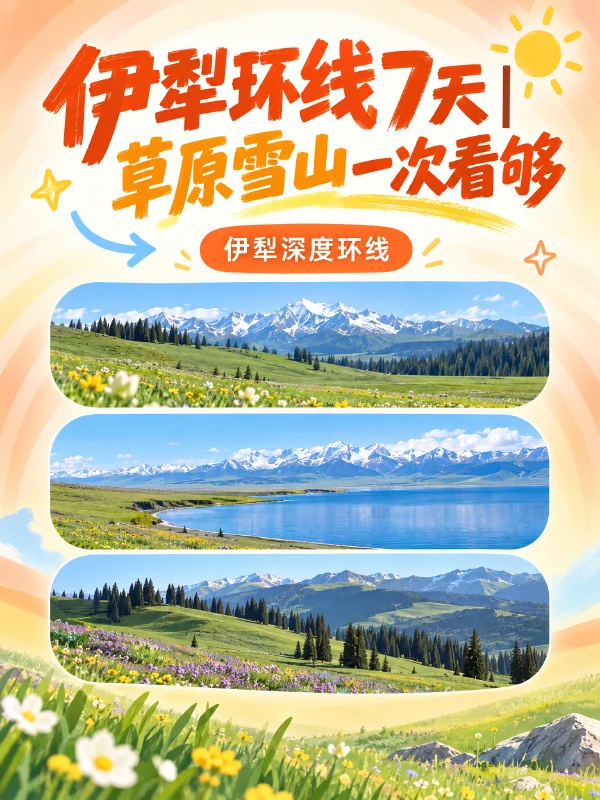
Travel guide post
Yili loop in 7 days | grasslands and snow peaks in one trip
Break a travel topic into multiple image pages, following the layout style of guide covers and inner pages.
Enter a topic or upload materials to generate titles, body text and a full set of images.
When you're done, scan to sync to Xiaohongshu and save as a draft, no downloading images one by one or copying text.


Xiaohongshu AI image examples · 3:4 covers and inner pages
From organizing materials to a finished note
Turn product info, a travel itinerary or an existing article into an image-and-text note. Describe the content, audience and style, let AI write the title and body, then create matching covers and inner pages.
Enter a topic to generate titles and body text, or paste an existing article to extract key points and adjust tone. If you want text only, say "just write the copy, no images needed".
Create covers, checklists or step cards from the note content, or upload real photos and product shots so inner pages carry on the cover's colors and style.
Edit text directly and modify images via chat. Once the full set is confirmed, scan the QR code with your phone to open Xiaohongshu with the title, body and images, then save as a draft.
Works created with Kuxuan AI
Travel guides, product picks, home tips and knowledge sharing
View covers and multi-page images, and see how different notes organize their content.
Travel guide post
Break a travel topic into multiple image pages, following the layout style of guide covers and inner pages.
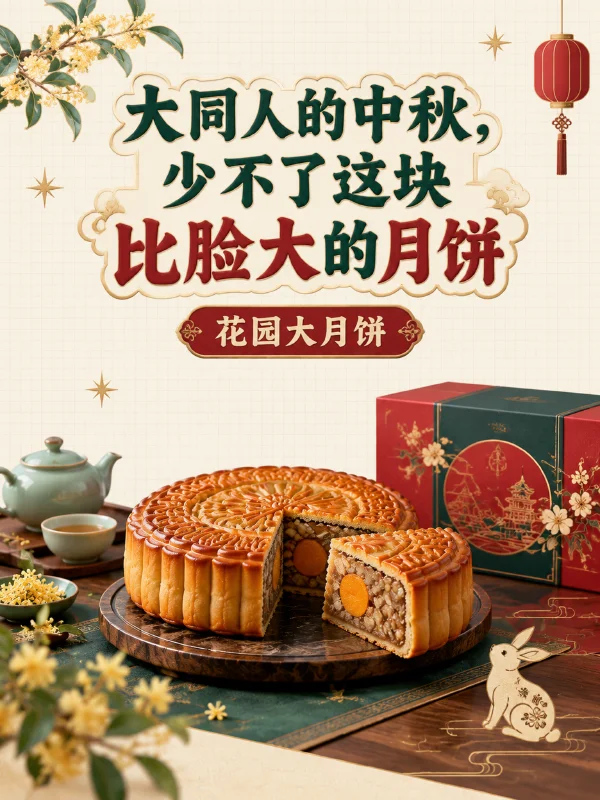
Food feature post
Use local food as the theme and present product highlights with a consistent cover and image style.

Home tips
Turn custom cabinet design tips into image-and-text cards, following the content structure of home knowledge posts.
Pet care facts
Use a question-style title to introduce key facts, with content split across cards for easy phone reading.
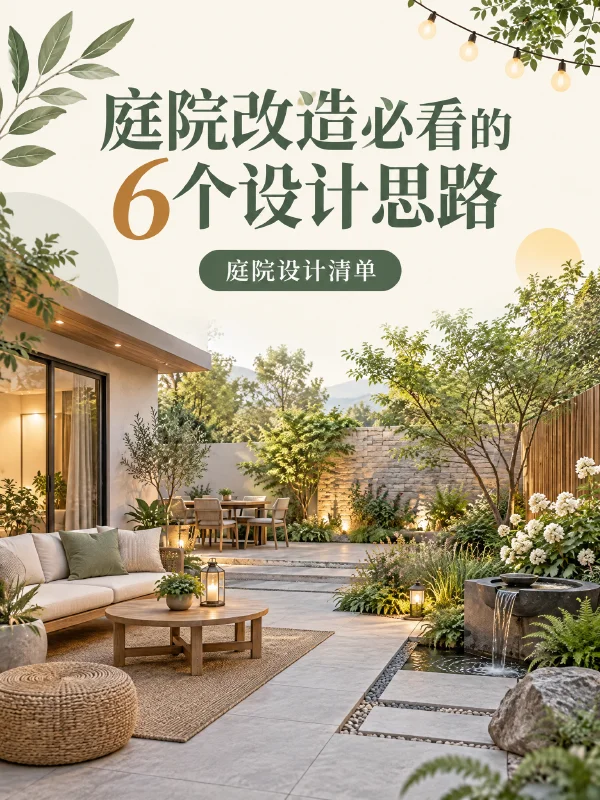
Courtyard design notes
Organize design ideas around a courtyard renovation, following the visual style of multi-image notes.
Study guide images
Turn exam prep topics into a series of images, highlighting titles, key points and reading flow.
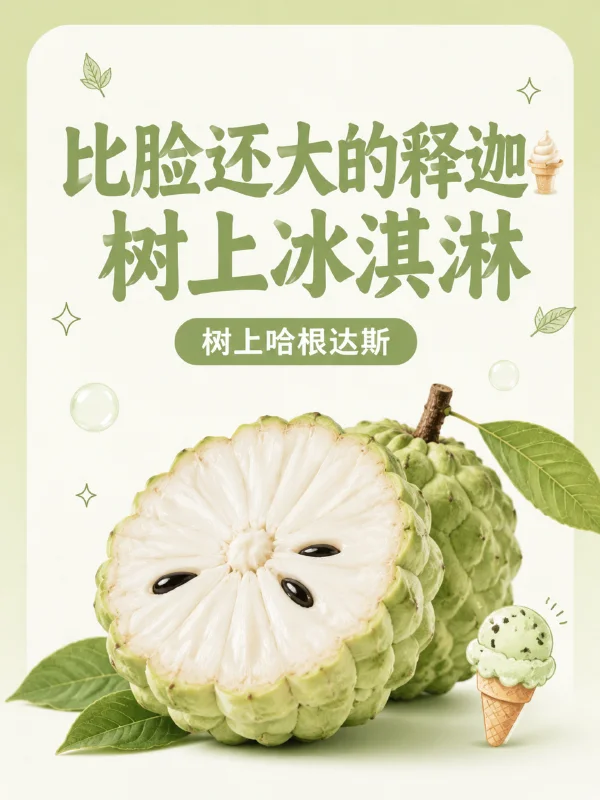
Fruit recommendation post
Build the post title and images around product features, a good reference for product-sharing posts.

Parent-child reading
Turn reading impressions into multi-page image posts, following the cover and narrative style of parent-child content.
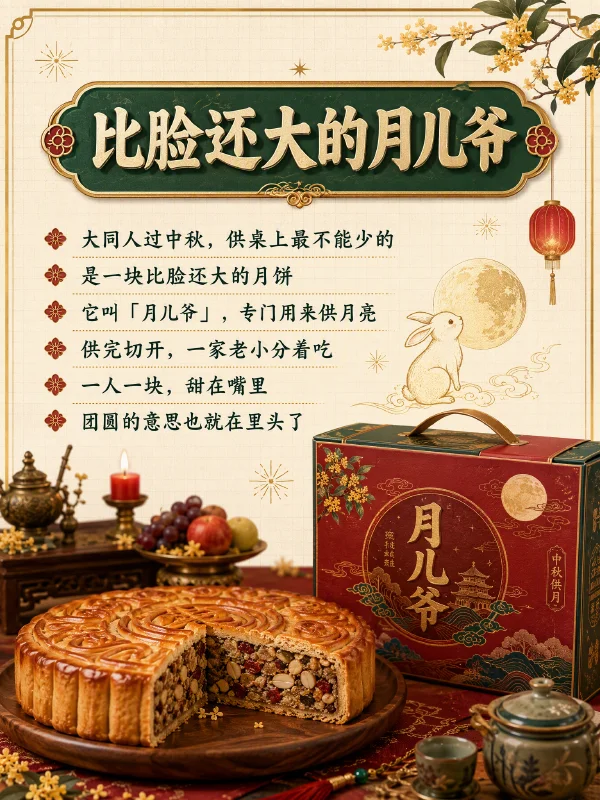
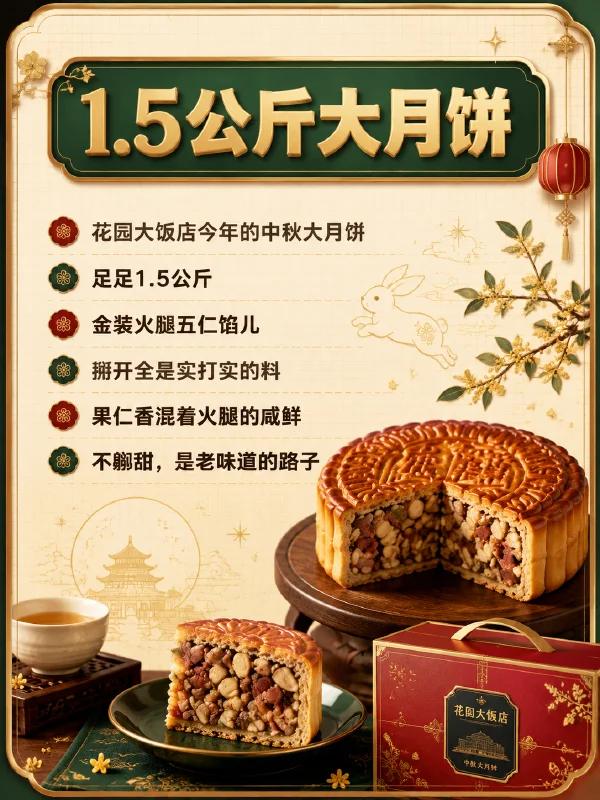
3:4 portrait covers and inner-page images
Turn note key points into a full set of image-and-text cards. The cover highlights the title and subject, while inner pages present steps, checklists or product info in sections, keeping colors and visual style consistent.
Xiaohongshu image-and-text generation tutorial
Tell the AI what to write, who it's for, and what style you want. You can enter product highlights or a travel itinerary, upload photos or documents, or paste an existing article.
Generate the Xiaohongshu title, body text, cover, and inner-page images. Text can be edited directly; to adjust images, describe in the chat what to change, the colors, or the layout.
No downloading images one by one or copying text. Scan with your phone camera or browser to open Xiaohongshu with the full post pre-filled, then save it as a draft or confirm publishing yourself.
Enter a topic, or start with existing materials
Copy, covers and publishing notes
Learn about copy rewriting, cover sizes,
image-and-text layout and scanning to save drafts.
Kuxuan AI can generate a Xiaohongshu title, body text, cover, and a full set of inner-page images based on a topic, ideal for travel guides, product features, store launches, home tips, and knowledge sharing. You can start from a topic or turn existing photos, product materials, or articles into a post.
In the input box, describe the topic, target readers, and tone, e.g. "Write a feature post for commuters about a thermos, highlighting that it's lightweight and leak-proof." If you only need text, simply write "Only generate the title and body, no images"; after generating, you can keep editing the title, paragraphs, and wording.
Yes. Paste an article or upload a document and let the AI extract key points, adjust the opening and paragraphs, and rewrite it into Xiaohongshu copy suited for mobile reading. Specify the facts, personal experiences, and product info to keep, then review the result; if you need images, you can continue to create the cover and inner pages.
By default, images are generated in 3:4 portrait format, suited for Xiaohongshu covers and image cards. Before generating, you can specify styles like journal, hand-drawn, or minimalist, and the title and subject the cover should highlight; inner pages follow the same color scheme and visual style as the whole post.
Yes. The body text can be edited directly, so you can adjust paragraphs, length, and wording. Covers and inner pages are presented as images; to change the title, colors, information density, or layout, point out in the chat which image to adjust, then review the generated changes.
Yes. Upload photos, product images, or documents in the input box, and specify which materials to keep, whether they're for the cover or inner pages, and how you'd like them presented. Great for turning real photos, product highlights, and usage experiences into a full Xiaohongshu post.
After generating and confirming the post, click "Send to Xiaohongshu" and scan with your phone camera or browser. The Xiaohongshu publishing page opens with the title, body, and images pre-filled; you can keep editing, then save as a draft or confirm publishing. Your phone needs Xiaohongshu installed and logged in; when scanning with WeChat, first choose "Open in browser".
Yes. New users get free credits on sign-up to try Xiaohongshu post generation; generating images uses account credits, and the exact cost and available balance are shown in the product. It works in desktop and mobile browsers, with no Kuxuan client to install.
AI can help with topic ideas, titles, and openings, organize content more clearly, and generate matching covers. Whether a post goes viral depends on content quality, real experiences, account positioning, and reader feedback, and traffic can't be guaranteed. We recommend adding your own experiences and materials, and reviewing before publishing.